0498 70 98 60
Google Business Profile Insights: How to Measure Calls, Visits and UTM Links
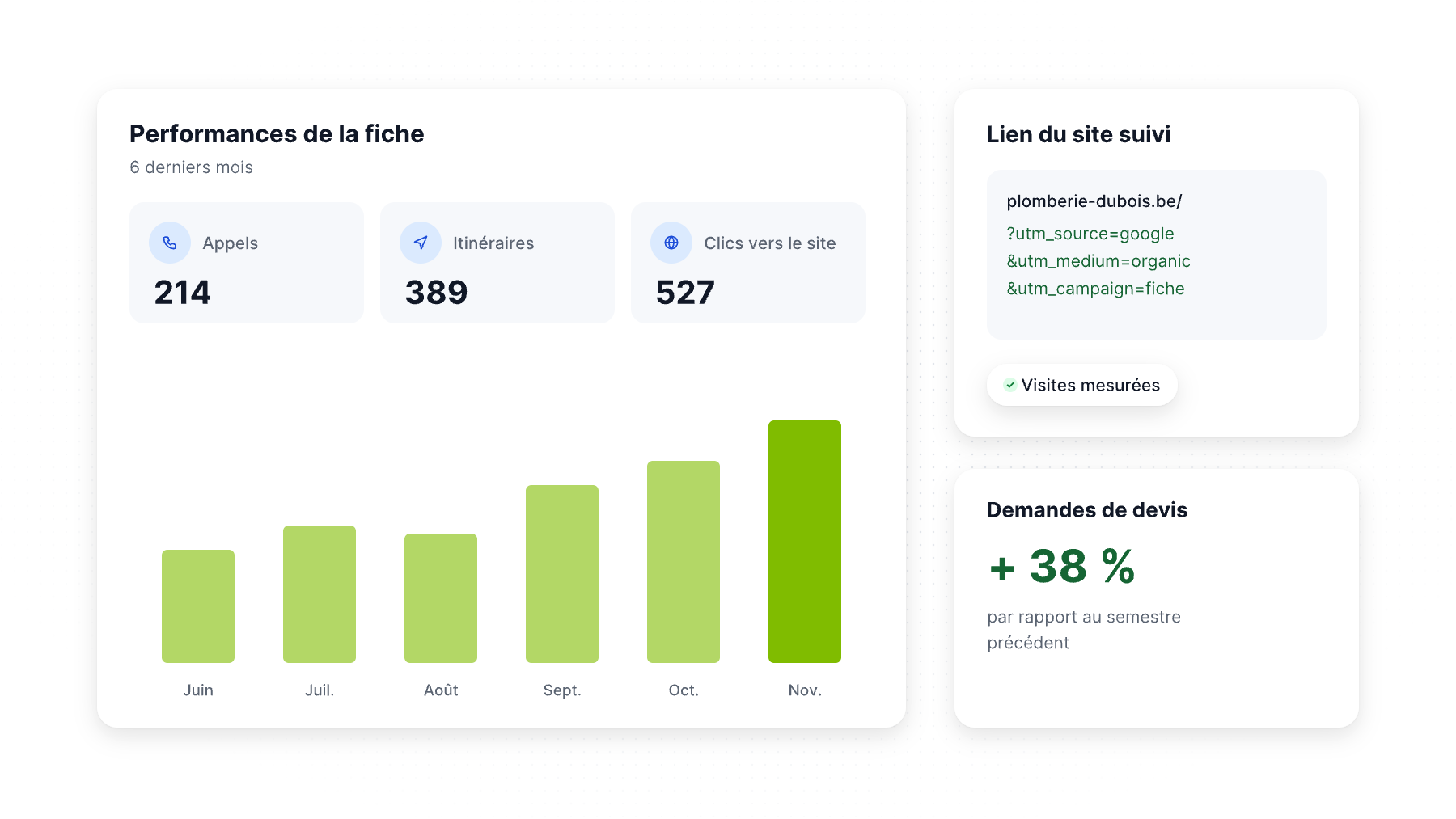
Your Google Business Profile may be your busiest storefront, but most owners have only a vague idea of what it produces. “We get a lot of calls from Google” isn’t a number you can manage.
Google Business Profile insights, now called the Performance report, show how people find and interact with your profile. Combined with UTM-tagged links in Google Analytics 4 and a few simple habits, they tell you which actions bring customers and whether your local marketing is working. This guide explains each metric, its limits and the monthly report we recommend.
Where to find Google Business Profile insights
Search for your business name on Google while signed in to the account that manages it (or open Google Maps) and select Performance in the management panel. You can set a date range. Google notes that you only see the metrics that apply to your type of business.
What each metric means
Google’s help center defines the main metrics:
| Metric | What it counts |
|---|---|
| Interactions | The total of all interactions with your profile |
| Views | Unique people who viewed your profile on Search and Maps |
| Searches | The search terms people used to find your business |
| Calls | Taps on the call button (you need a phone number on the profile) |
| Directions | People who asked for directions to your business |
| Website clicks | Clicks on the website link on your profile |
| Messages | Distinct message conversations |
| Bookings | Bookings completed through a connected booking provider |
| Menus, Products, Offers | Clicks or views on those sections, where relevant |
Important limits
- Calls are taps, not conversations. A tap on the call button counts even if the caller hangs up before anyone answers. Google also ended its Business Profile call history reports on July 31, 2024, along with the chat feature, so you can no longer see call details inside the profile.
- Views are people, not visits, and the same person can be counted a limited number of times across devices and platforms.
- Search terms are delayed. Google says the searches metric is updated at the start of each month and can take up to five days to appear.
- Directions don’t equal visits. Someone may request directions and never arrive, or arrive without using Google.
That’s why Performance data is a starting point, not a final answer.
How to use the Searches report
The search terms report is the most underused part of Business Profile insights. It shows two kinds of queries:
- Branded searches (your business name): people who already know you. Growth here reflects word of mouth, advertising and reputation.
- Discovery searches (“emergency plumber,” “pediatric dentist near me,” “best tacos”): people who found you while looking for a solution. Growth here reflects your local SEO.
Look for discovery terms you’d like to rank for but don’t see, and check whether your categories and services cover them (see our guide on the Google Business Profile primary category). As AI search grows, longer and more conversational queries may also appear here.
Track website visits with UTM links
By default, visits from your Business Profile appear in Google Analytics mixed with regular organic search traffic (google / organic). To isolate them, add UTM parameters to the website link on your profile:
https://www.yourbusiness.com/?utm_source=google&utm_medium=organic&utm_campaign=gbp-listing
Use the same pattern for other links on your profile:
- Appointment or booking link:
utm_campaign=gbp-booking - Posts:
utm_campaign=gbp-post-[month] - Products and offers:
utm_campaign=gbp-product/gbp-offer - Multiple locations: add
utm_content=[location-name]so each location shows separately
In GA4, you can then report on sessions, engaged sessions and key events (form submissions, calls from your site, quote requests) coming from your profile.
Watch out: if you import your Google listing into Bing Places, check the website URL. Imported UTM tags would credit Bing visits to Google.
Link your Business Profile to Google Analytics
Google Analytics now offers a direct link with Google Business Profile. Once connected, a “Google Business Profile” report collection appears in GA4 with interactions, website clicks, calls, directions, messages, bookings and menus.
Things to know before you rely on it:
- You need the Editor or Administrator role in GA4 and Owner or Manager permission on each profile.
- Google says the metrics are available for the last six months only.
- When several profiles are linked, metrics are summed and can’t be filtered by individual profile.
- The metrics can’t be used in custom explorations.
For multi-location businesses, UTM tags with utm_content remain the best way to compare locations.
Measure phone calls properly
Calls are often the most valuable action for local businesses, and the Performance report only counts taps. To go further:
- Answer and log calls: ask “How did you hear about us?” and note the answer in your CRM.
- Call tracking: many businesses use a dedicated tracking number on the profile to record and qualify calls. If you do, keep it local and under your control, as Google’s guidelines require for the profile’s phone number, list your main line as an additional number, and keep your main number consistent on other sites (see our NAP consistency guide). Check Google’s current guidelines before switching.
- Track calls from your website separately, so you can tell profile calls from site calls.
A simple monthly report
Each month, compare with the previous month and the same month last year (seasonality is strong for most local businesses):
- Profile views and discovery vs. branded searches
- Calls, directions and website clicks
- Sessions and key events from UTM-tagged profile links in GA4
- New reviews, average rating and response rate
- Leads and sales attributed to Google Business Profile in your CRM
- Actions taken during the month (posts, photos, category changes, review requests)
The last line is the one most reports forget. Without it, you can’t connect results to actions. Our monthly activity plan gives you a list of actions to log.
Common measurement mistakes
- Comparing a slow month with a busy month without looking at last year
- Treating every call tap as a lead
- Leaving the website link untagged, so profile traffic disappears into organic search
- Changing several things at once, then guessing which one worked
- Looking only at rankings instead of calls, visits and revenue
Want clear local SEO reporting?
Référenceur sets up UTM tracking, GA4, call tracking and monthly Business Profile reports that connect your local visibility to leads and revenue. It’s included in our local SEO services, and we also run Google Ads campaigns measured the same way. Contact us for a free tracking audit.
FAQ
Where are Google Business Profile insights now?
They’re in the Performance section of your Business Profile. Open it from Google Search or Google Maps while signed in with the account that manages the profile. Only the metrics that apply to your type of business are shown.
Does the Calls metric show answered calls?
No. It counts taps on the call button. Google also discontinued Business Profile call history on July 31, 2024, so use call tracking or your phone system to measure answered calls.
How do I track website visits from my Google Business Profile?
Add UTM parameters to the website link on your profile, for example utm_source=google, utm_medium=organic and utm_campaign=gbp-listing. Then view sessions and key events for that campaign in Google Analytics 4. Tag booking, post and product links the same way.
Why don’t I see last month’s search terms yet?
Google updates the searches metric at the start of each month. The new data can take up to five days to appear, so wait until the second week to build your monthly report.
Can I see Business Profile data in Google Analytics?
Yes. You can link your Business Profile to GA4, which adds a report collection with interactions, calls, directions and website clicks for the last six months. Metrics from several linked profiles are combined.
Need a reporting setup you can trust? Contact Référenceur and we’ll review your current tracking.