0498 70 98 60
Google Business Profile Posts, Photos and Products: Keep Your Profile Active Every Month
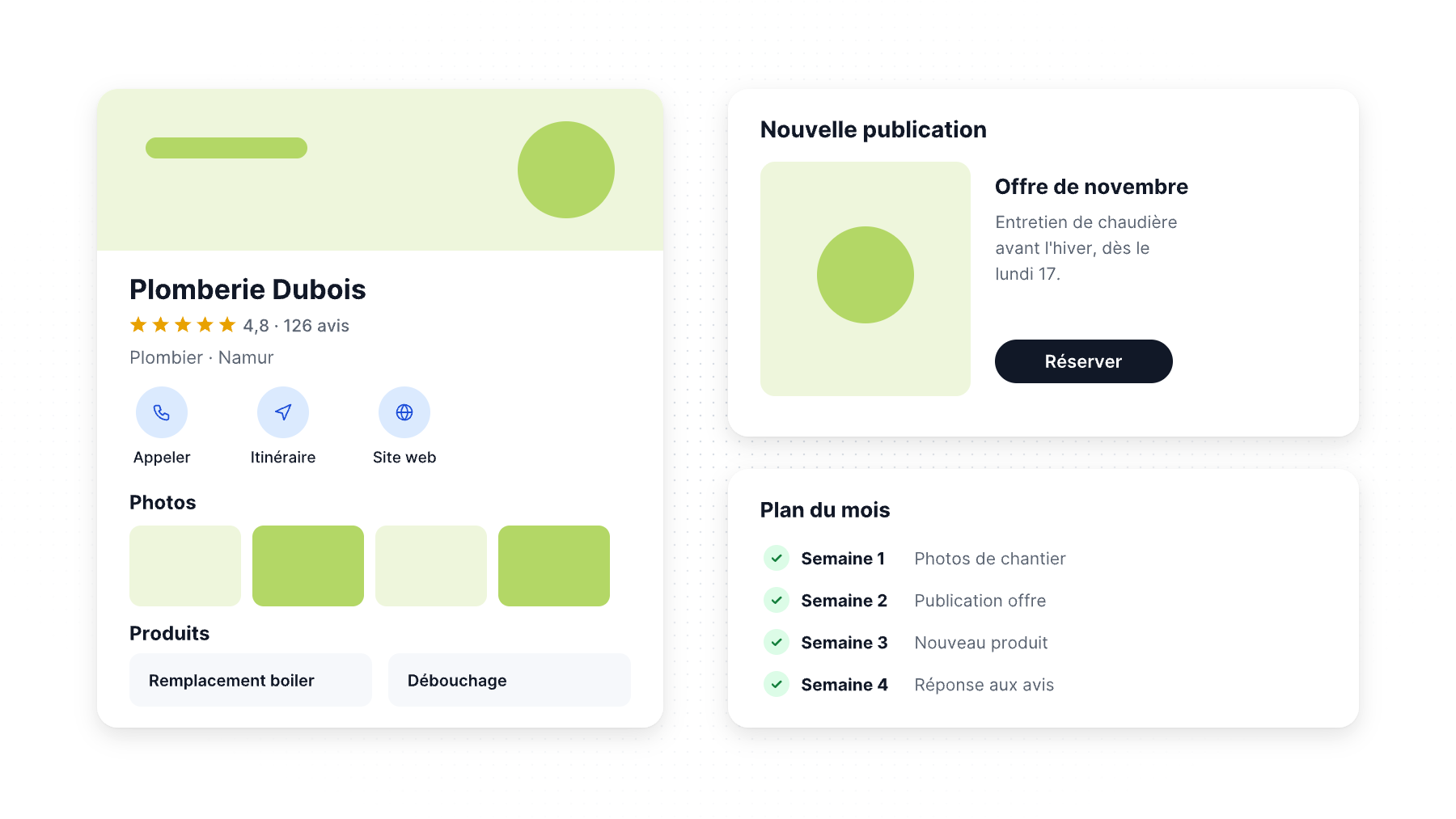
Your Google Business Profile is often the first thing a customer sees, before your website and sometimes instead of it. A profile with three-year-old photos, no recent posts and an empty products section tells people that nobody is minding the store.
Google Business Profile posts, photos and products are the parts of your profile you control and can refresh every month. This guide explains what each feature does, the specs Google requires, what to publish, and a simple monthly routine any small business can keep up with.
Why an active profile matters
Google says local results are based mainly on relevance, distance and prominence. It also says complete and accurate business information helps your profile match the right searches, and it recommends photos and videos to show what you offer.
Google doesn’t say that posting every week will boost your rankings, and we won’t promise that either. What fresh content does reliably is help people who already found you decide to call, visit or book: current photos, clear offers and up-to-date information answer their questions before they ask. In our article on what the data actually proves, we separate proven effects from marketing myths.
Google Business Profile posts: updates, offers and events
Google offers three types of posts.
Updates
Updates share news about your business: a new service, seasonal hours, a completed project, a tip for customers. You can add a description, a photo or video and a button (Book, Order, Learn more, Call, etc.).
Ideas that work for US local businesses:
- A before-and-after photo of a recent job (roofing, remodeling, landscaping), with the neighborhood or city
- A seasonal reminder: AC tune-ups before summer, furnace checks before winter, tax-prep deadlines
- A short answer to a question customers ask on the phone every week
- Team news: a new technician, a new certification, a community event you sponsored
Offers
Offers require a title and start and end dates, and they automatically display a “View offer” button. You can add a coupon code and terms. Use them for real, time-limited promotions: a spring cleaning discount, a free consultation month, a first-visit offer.
Events
Events need a title and start and end dates. If you don’t add times, Google displays the event as lasting 24 hours on those dates. Workshops, open houses, tastings and seminars are good candidates.
Rules to keep posts approved
- Archiving: Google says posts older than six months are archived unless you set a date range. A profile with nothing newer than six months looks inactive.
- Phone numbers: Google says posts with a phone number in the description may be rejected if it can’t verify that the number belongs to the business. Use the Call button instead.
- Regulated industries: businesses in regulated sectors (alcohol, tobacco, pharmaceuticals, gambling, weapons, financial services) can post, but Google asks them not to include content about the regulated products themselves.
- Status: only posts marked “Live” show on Search and Maps. Check for “Pending” or “Not approved.”
Google Business Profile photos and videos
Photos are the most visual part of your profile, and Google publishes clear requirements:
| Requirement | |
|---|---|
| Photo format | JPG or PNG |
| Photo file size | 10 KB to 5 MB |
| Recommended resolution | 720 x 720 pixels (minimum 250 x 250) |
| Video length | Up to 30 seconds |
| Video file size | Up to 75 MB |
| Video resolution | 720p or higher |
Google also asks for sharp, well-lit photos without heavy filters or alterations.
Which photos to add
- Logo and cover photo. Google doesn’t guarantee your cover photo will appear first, and it may show a customer photo instead if yours is low quality. Use a sharp, well-lit image.
- Exterior from the angle customers arrive from, so they recognize the building (for storefronts).
- Interior, waiting room, showroom or dining room.
- Team at work, in uniform, with vehicles for service businesses.
- Your work: finished projects, dishes, products on the shelf.
Real photos beat stock images every time. Ask your team to take two or three good photos per week on their phone and pick the best ones each month.
Google Business Profile products
The Products section lets you showcase what you sell directly on your profile. Google’s product editor is designed for local stores selling physical goods, especially those without an online store or inventory feed. Products must follow Google’s Shopping ads policies, and Google warns that violating products can lead to the removal of all uploaded products.
Service businesses don’t need products to have a complete profile. The Services section, linked to your categories, is usually the better place to list what you do. Your primary category largely determines which services Google suggests for your profile.
Tips for the products section:
- Group products in clear collections (e.g., “Outdoor furniture,” “Grills”).
- Use your own photos, not supplier images with watermarks.
- Show a price or price range when you can.
- Link the button to the matching page on your website, with UTM tags so you can measure the visits (see our guide to Google Business Profile insights).
The 30-minute monthly routine
Most small businesses don’t need a social media manager to keep their profile active. Block 30 minutes on the first Monday of each month:
- Check your information (5 min): hours, special hours for upcoming holidays (Memorial Day, July 4th, Thanksgiving, Christmas), phone, website, service areas.
- Publish two or three posts (10 min): one update, one offer or event, one project or team photo. Schedule the rest of the month if your tool allows it.
- Add 5 to 10 new photos (5 min): recent work, team, seasonal shots.
- Update products or services (5 min): new items, price changes, discontinued products.
- Reply to new reviews (5 min): every review, positive or negative, without disclosing private information. Our guide on Google review rules and US law explains the do’s and don’ts, and our review QR code generator makes it easier to ask for reviews.
Then check your Performance report once a month to see whether calls, direction requests and website clicks follow.
Mistakes to avoid
- Stuffing posts with keywords and city names: write for customers.
- Reusing the same post every month.
- Publishing offers you won’t honor or that conflict with your website prices.
- Uploading photos of other businesses’ work or stock images presented as your own.
- Forgetting special holiday hours, which leads to calls when you’re closed.
Let us keep your profile active
Référenceur manages Google Business Profiles for US businesses: monthly posts, photo selection, products and services, review replies and reporting. It’s part of our local SEO services. Contact us for a free profile review.
FAQ
How often should I post on my Google Business Profile?
Google doesn’t set a required frequency. Posting two to four times per month keeps your profile current, and remember that Google archives posts older than six months unless you set a date range.
Do Google Business Profile posts improve rankings?
Google hasn’t said that posts are a ranking factor. Google does say complete and accurate information helps you show up in local results, and posts help customers decide to contact you.
What size should Google Business Profile photos be?
Google requires JPG or PNG files between 10 KB and 5 MB. It recommends 720 x 720 pixels, with a minimum of 250 x 250. Use sharp, well-lit photos without heavy filters.
Can I put my phone number in a post?
Google says posts with a phone number in the description might be rejected if the number can’t be verified. Use the Call button instead.
Do service businesses need the Products section?
Not necessarily. The Products editor is designed for stores selling physical goods. Service businesses should focus on the Services section and accurate categories.
Short on time to keep your profile up to date? Contact Référenceur to discuss a monthly management plan.