 0498 70 98 60
WordPress Agency NYC: Keeping Corporate Sites Fast, Accessible, and Under Control
Your website went live two years ago, built by people who have moved on. Today three departments publish to it, legal wants to approve every bio change, the London office asks for its own section, and nobody knows which of the 40 plugins can be updated safely. That is when a company needs a WordPress agency NYC marketing teams can hand the keys to: not for a redesign, but to run the platform properly, week after week.
This page covers that ongoing work. A site designed from scratch is a job for our web design team in New York, backed by our web design agency methods; an infected site goes straight to our hacked WordPress repair service for New York.
Référenceur, with offices in Belgium and Luxembourg, is run by a French-speaking team that writes and speaks English every day. In both of our home countries, one company website often has to function in two or three languages. That habit shapes how we run WordPress for New York firms with offices abroad: translation workflows, language switchers, and editorial roles get planned on day one, not bolted on later. Our agency has more than 15 years of experience, Google reviewers rate us 4.7/5 (107 reviews so far), and every U.S. engagement runs remotely.
What Changes When WordPress Becomes a Corporate System
A WordPress site at a law firm, an asset manager, or a consulting group is not a brochure. It is a publishing system with many authors, a review chain, and real consequences when the wrong version goes live. The technology is rarely the bottleneck. Governance is.
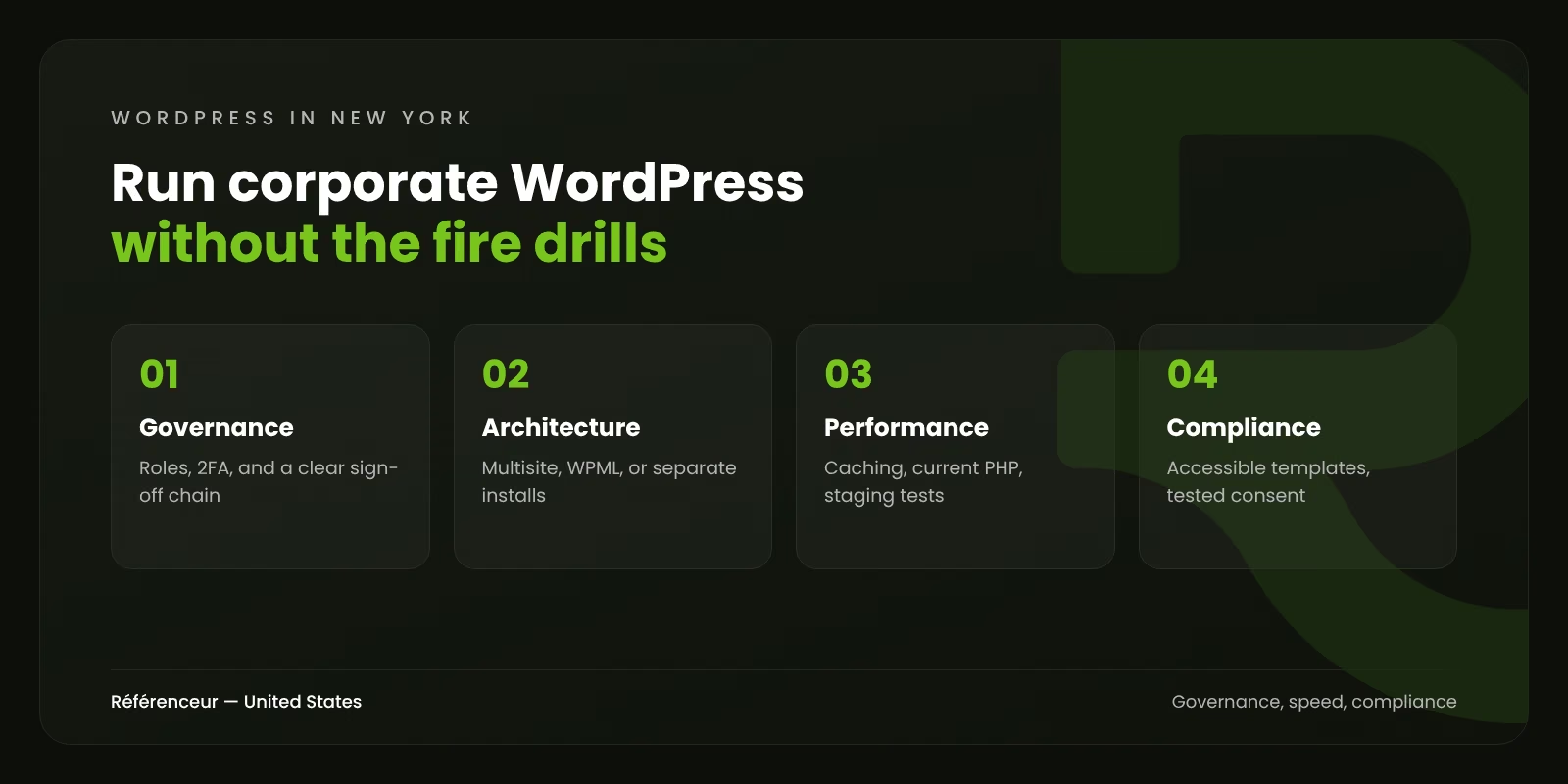
We start by mapping who does what: who can publish, who only drafts, who approves practice-area pages, and who may touch the homepage. Native WordPress roles cover most of this, and an editorial workflow plugin fills the gaps when compliance needs a formal sign-off. Every person gets an individual login with two-factor authentication (2FA). Shared “marketing” passwords disappear.
The platform also keeps moving under you. W3Techs data dated October 30, 2026, shows WordPress running 39.5% of all websites, which makes it the default target for automated attacks and the default home for thousands of plugins. WordPress 7.0, released May 20, 2026, added color-coded visual revisions and a Connectors screen for AI services. Both are useful in a corporate setting, and both call for a policy: which teams may connect an AI provider, and how long revisions are kept.
Multisite or WPML: Structuring WordPress for Several Offices and Languages
Firms with a Paris, London, or Montreal office usually face the same question: one site, several sites, or a network of sites? The right answer depends on who edits what, not on the number of countries.
| Setup | Works best when | Watch out for |
|---|---|---|
| Single install with WPML or Polylang | One brand, one central team, content translated from English | URL structure and the translation workflow must be settled before content migrates |
| WordPress Multisite | Each office has its own editors, design variations, and publishing calendar | Some plugins handle Multisite poorly, and one super admin controls every site |
| Separate installs | Offices run unrelated businesses or must stay fully isolated | Updates, security, and analytics multiply with each extra site |
In our experience, a single install with a translation plugin usually serves a professional-services firm better. Multisite earns its complexity only when regional teams truly publish on their own. Whatever the setup, we add hreflang tags for international SEO, a language switcher that keeps visitors on the equivalent page, and a shared glossary so practice names stay consistent from one language to the next.
Performance at Scale: What We Check Before Traffic Spikes
A press mention, a rankings release, or a conference keynote can multiply traffic within an hour. Corporate WordPress sites rarely fall over because of WordPress itself. They fall over because of a bloated database, a page builder loading every script everywhere, or a cache someone switched off and forgot.
Our performance review looks at:
- Page caching and a content delivery network (CDN) in front of the site, with explicit rules for pages that must never be cached, such as forms carrying security tokens.
- A persistent object cache, such as Redis or Memcached, for logged-in editors and heavy queries.
- Autoloaded options and orphaned tables left by plugins deleted years ago.
- WP-Cron replaced by a real server cron, so scheduled tasks no longer depend on visitor traffic.
- The PHP version. PHP 8.1 stopped receiving security fixes on December 31, 2025, and PHP 8.2 reaches that point on December 31, 2026. Our guide to securing WordPress with PHP updates covers the upgrade. A site still running either one needs a tested upgrade path now.
Every change goes to a staging copy first, and releases happen in a window your team approves. Our article on updating WordPress core, plugins, themes, and PHP explains why the order of those steps matters.
Accessibility Lawsuits in New York: Where WordPress Sites Usually Fall Short
No state sees more website accessibility litigation. In a report published March 25, 2026, the law firm Seyfarth Shaw counted 1,021 federal website accessibility suits filed in New York during 2025, more than in any other state. The same report notes that New York federal judges have grown stricter about standing, which has pushed many plaintiffs toward state courts in New York and New Jersey.
On WordPress, the weak spots are predictable. Premium themes ship with low-contrast color presets. Sliders rotate with no pause button. Mega menus won’t open from the keyboard. Form plugins flag errors in red text only. PDFs uploaded to the media library carry no tags. Because every page reuses the same theme templates and components, fixing those first clears most issues at once. That’s why we audit templates before individual pages.
The standard itself is explained in our ADA and WCAG website compliance guide. This page doesn’t give legal advice; ask your counsel which obligations apply to your firm.
Cookie Consent and Tracking Tags: What the New York Attorney General Found
New York has no comprehensive consumer privacy law, yet the state has looked closely at website tracking. On July 30, 2024, the Office of the Attorney General published “Website Privacy Controls: A Guide for Businesses” after reviewing tags and privacy controls on a range of websites. It reported more than a dozen high-traffic sites where visitors were still tracked after opting out, and it treats misleading privacy statements as a consumer protection matter.
The errors the office listed are the same ones we find on WordPress sites: cookies filed under the wrong category, consent tools set up incorrectly, and tags hardcoded into the theme header where the consent plugin can’t block them. The fix is methodical. We inventory every tag, move it into Google Tag Manager, wire up the consent signals, and then confirm in a clean browser that declining really stops the tags from firing. This is not legal advice; your counsel should review the banner wording and the privacy notice. Not sure what your own site fires before consent? Our free assessment includes a tag check.
What WordPress Maintenance NYC Teams Should Expect Each Month
The hard part of updates is speed without breaking the page your managing partner opens every morning. According to Patchstack’s 2025 vulnerability data, released in February 2026, 46% of newly disclosed WordPress vulnerabilities had no developer fix at the moment of disclosure, and the most heavily targeted flaws were mass-exploited within a weighted median of five hours. A quarterly update cycle can’t keep pace with that, as our guide to vulnerable WordPress plugins explains.
A typical retainer with us covers:
- Weekly updates applied on staging first, with visual checks of key templates before production.
- Virtual patching through a web application firewall (WAF) when a plugin flaw has no fix yet.
- Daily off-site backups and a full restore test every quarter.
- Uptime and Core Web Vitals monitoring, with alerts routed to one named contact on your side.
- A monthly report on what changed, what was blocked, and what we recommend next.
- A bank of development hours for new templates, landing pages, or plugin replacements.
For habits your own editors can adopt between our checks, see our WordPress security guide.
How a Remote WordPress Team Fits a New York Workday
A single in-house WordPress developer New York firms hire becomes a single point of failure every vacation. An outside team spreads and documents the knowledge.
The people maintaining your site work out of our offices in Francorchamps, Belgium, and Wemperhardt, Luxembourg, typically six hours ahead of Manhattan. Your morning is our afternoon, so that’s when calls and shared-screen reviews happen. Planned releases can run during our morning, before New York wakes up, with a written summary waiting in your inbox. We don’t keep an office anywhere in the U.S., and every client shown in our case studies is based in Europe.
What we do bring is a bilingual habit. Because our Belgian and Luxembourgish staff switch between French and English all day, we can walk your Paris head office through a release plan in French and brief your New York partners in English that same afternoon. SEO and paid search for the site are handled by our New York digital marketing team. Tell us how your site is run today and request a free assessment of its setup, plugins, and risks.
Frequently Asked Questions About Our NYC WordPress Agency
Can You Take Over a Site Another Developer Built?
Yes. We begin with a read-only audit: theme and plugin inventory, custom code, hosting setup, and who holds which logins. Then we document what we found, flag anything abandoned or risky, and agree on the first fixes before we change a line of code.
How Do You Update Plugins Without Breaking Production?
Every update runs on a staging copy first. We compare key templates visually, test forms and logins, and only then push to production during an approved window. A fresh backup is taken right before each release, so a rollback takes minutes rather than an afternoon.
Does an Accessibility Overlay Widget Solve the Problem?
Not on its own. An overlay adds a toolbar on top of your pages, but it doesn’t change the theme’s markup, the form labels, or the PDFs in your media library. Screen-reader users still meet the same barriers underneath.
We fix the source: templates, components, and content. That helps real visitors and gives your counsel a clearer record of the work.
Will You Work Within Our Legal and Compliance Review Process?
Yes. We can route changes through your existing approval chain, whether that’s a WordPress workflow plugin, a ticketing system, or a simple sign-off by email. For regulated content, we keep a change log showing who requested each edit, who approved it, and when it went live.
What Happens if Something Breaks at 9 a.m. Eastern?
At 9 a.m. in New York, it is typically 3 p.m. in Belgium, so our team is still at work. Monitoring alerts reach us directly, and the named contact on your retainer sees the same alert. If it looks like a compromise rather than a bug, our incident procedure takes over, with written updates until it’s resolved.