 0498 70 98 60
Hacked WordPress Site Repair in San Francisco: Site and Reputation Restored
Your SaaS product runs on its own stack, but the marketing site still runs on WordPress. One Monday, a prospect forwards a link from your blog that now opens a pharmacy spam page. Google Search Console reports “hacked content,” and a customer’s security team asks for an explanation. The product is fine; your credibility isn’t.
We clean compromised WordPress sites and document what happened, in plain language your customers, investors, and insurer can read. The work covers malware removal, closing the vulnerability, hardening, and getting Google’s warning lifted. Everything happens remotely, in English or French.
Why does that matter? A startup’s marketing site is often managed by a growth marketer, not an engineer, with a dozen plugins added over the years and nobody assigned to updates. When something breaks, you need a repair team that can start quickly, not a ticket queue. We take ownership from the first message and tell you what we’re doing at each stage.
Référenceur has maintained and repaired WordPress sites for more than 15 years. We’re a Google Partner, and our clients rate us 4.7/5 across 107 Google reviews. Tell us which site was hit and get a free assessment.
Need a first diagnosis immediately? Run your site through our free security scanner.
Symptoms of a Compromised WordPress Site
Most infections are built to avoid the site owner. Malicious redirects often fire only for first-time visitors, mobile users, or traffic coming from search. Checking from your logged-in laptop proves nothing.
- Search results for your brand show spam titles, foreign-language pages, or products you don’t sell.
- Google Search Console sends a “security issues” or “hacked content” alert.
- Chrome displays a red Safe Browsing warning before your homepage loads.
- Your domain’s emails start bouncing or landing in spam.
- New admin users, unfamiliar plugins, or modified core files appear.
- Your host suspends the account for malware or excessive resource use.
Noticed one of these signs? Read our checklist on what to do when a WordPress site is hacked, then avoid touching anything that could erase evidence of the entry point.
What Our Hacked WordPress Repair in San Francisco Includes
Our hacked WordPress repair service in San Francisco follows four steps: investigate, clean, harden, and monitor. Each area below is covered on every job.
| Area | What we do | Result |
|---|---|---|
| Investigation | Modified files, database, server logs, users, scheduled tasks | The likely way in, documented |
| Malware removal | Malicious code, backdoors, and dropped files removed | A clean codebase |
| Database cleanup | Hidden scripts and spam in posts and options, rogue users deleted | Content you can trust |
| Patching | WordPress core, theme, plugins, and PHP brought to supported versions | The vulnerability closed |
| Access control | New credentials, 2FA, least-privilege roles, request filtering | A smaller attack surface |
| Backups | Automated off-server backups with a test restore | A reliable way back |
| SPF, DKIM, and DMARC reviewed if your domain sent spam | Deliverability restored over time | |
| Index cleanup and a review request in Search Console | Warnings lifted once Google approves |
Our technical article on how to remove malware from WordPress explains why scanners alone aren’t enough. We pair automated tools with a line-by-line review of suspicious files.
Our 4-Step Process
Durations are estimates and depend on the infection, the site’s size, and how quickly we receive access.
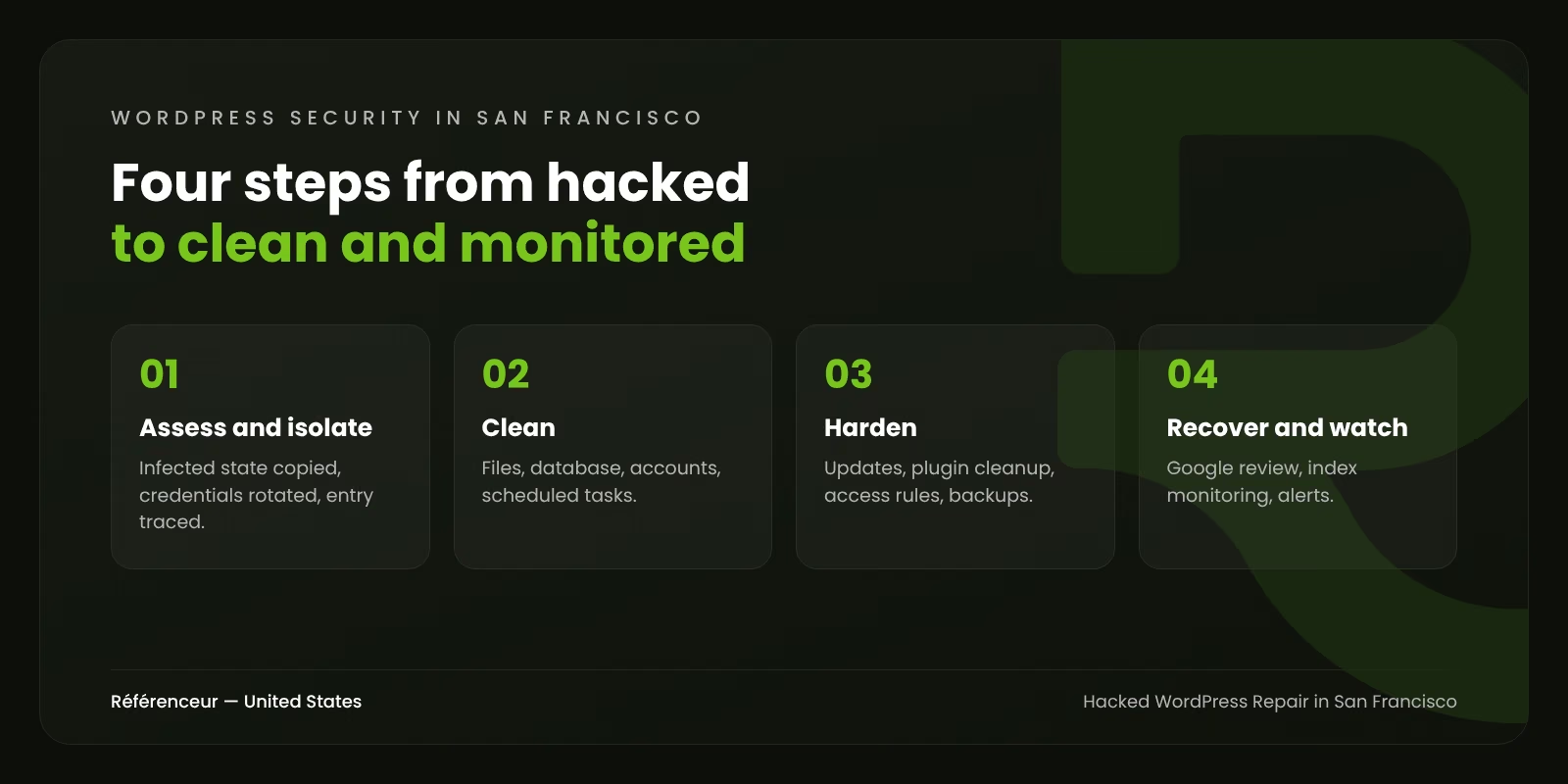
- Assess and isolate: copy of the infected state, credentials rotated, entry point traced. We begin once hosting access arrives.
- Clean: files, database, accounts, and scheduled tasks. Most business sites take one to two days.
- Harden: updates, plugin cleanup, access rules, and off-site backups.
- Recover and watch: Google review request, index monitoring, and change alerts.
Google sets its own pace for reviewing a cleaned site. We stay on the case until the warning is gone and update you at each stage.
WordPress Security in San Francisco: What Changes by Business
Startups, biotechs, and professional firms don’t face the same consequences after a breach. These illustrative profiles show how we set priorities.
| Business profile | Main concern | What we prioritize |
|---|---|---|
| SaaS startup in SoMa with a WordPress marketing site | Enterprise security questionnaires | Detailed incident report, documented hardening, access review |
| Scale-up raising funds or in investor due diligence | Trust and professionalism | Fast cleanup, Google index check, closer monitoring |
| Biotech in South San Francisco | Scientific reputation and hiring | Careers and news pages cleaned, forms verified |
| Specialty food importer with an online store | Payments and customer data | WooCommerce checkout first, access logs |
| Franco-American advisory firm in the Financial District | Client confidentiality | Forms and mail reviewed, report for the insurer |
Describe your site and hosting setup, and we’ll tell you where its weak points are.
Why San Francisco Companies Can Rely on Référenceur
We don’t have an office in San Francisco or anywhere in the U.S. Cleanup is server work, done remotely by any serious team. You speak directly with the engineer handling your site, by email or video, in English or French.
Our working day in Europe starts while the Bay Area is asleep, so cleanup often advances overnight for you. Video calls are scheduled at a time that works for both time zones. At the end, you receive a written report: what was found, what was fixed, and what was changed to prevent a repeat. Security-minded customers and investors tend to ask for exactly that.
If personal data may have been exposed, timing matters. Since January 1, 2026, California’s SB 446 requires notice to affected residents within 30 days of discovering a breach. A breach involving more than 500 California residents also triggers a notice to the Attorney General. We provide the technical facts; your counsel decides what applies. This isn’t legal advice.
No one can make a website immune, but we cut the risk substantially. Our SEO and paid search teams also help after an incident: spam pages removed from search, rankings tracked, ads re-approved. Our published case studies feature European clients such as Lupulus and Auto-école Georges. View our case studies.
After the Incident: Relaunch With Confidence
If the old site isn’t worth saving, our web design agency in San Francisco can rebuild it on a clean, maintained base. For long-term prevention, start with our WordPress security guide.
Our national hacked WordPress site repair page details the full service. A related site in Southern California needs help? See hacked WordPress repair in Los Angeles. For everything we do locally, visit our San Francisco digital marketing agency page.
Want to double-check your site’s health after the cleanup or after an alert? Scan it again for free:
Site down or flagged right now? Send us the URL of the affected site. The free assessment tells you the infection type, the probable vulnerability, and the recovery plan.
Hacked WordPress FAQ for San Francisco Companies
How Quickly Can You Begin?
In most cases within one business day of receiving hosting and WordPress access. Because of the time difference, work often continues while you sleep. Many small business sites are clean within about two days.
Will the Hack Affect Our Google Rankings?
It can, particularly with spam pages or a Safe Browsing warning. The faster the cleanup, the smaller the impact. We request removal of spam URLs and monitor your rankings afterward.
What Does a Cleanup Cost?
Cost depends on site size, the extent of the infection, and the updates required. There’s no flat fee. You get a firm quote in U.S. dollars after the free assessment, before we start.
Can You Provide a Report for Customers or Investors?
Yes. Every intervention ends with a written report covering the probable cause, the actions taken, and the hardening measures. You can share it with customers, investors, or your insurer.
How Do We Keep This From Happening Again?
Keep everything updated, from PHP to plugins, and remove what you don’t use. Require two-factor authentication for every admin. Test a backup restore every quarter, or let our maintenance plan handle it.