 0498 70 98 60
Performance Max Campaigns: How They Work and How to Steer Them in 2026

Updated October 31, 2026
Performance Max campaigns let one campaign serve ads across Google’s inventory: Search, Shopping, YouTube, Display, Discover, Gmail, and Maps. You provide goals, budgets, creative assets, and signals; Google’s automation decides where, when, and to whom to show ads. For many advertisers, especially in ecommerce, Performance Max has become a core campaign type. For others, it has quietly absorbed budget without producing the leads it reports.
The difference usually comes down to inputs and guardrails. The good news is that advertisers have far more control and visibility in 2026 than when Performance Max launched. This guide covers how it works, which controls now exist, and the practices that keep it honest.
How Performance Max Works
A Performance Max campaign is organized into asset groups. Each asset group contains:
- Text assets: headlines, long headlines, and descriptions.
- Images and logos in several aspect ratios.
- Videos (if you don’t supply any, Google may generate them from your other assets, which rarely looks great).
- A final URL, and optionally a product feed from Merchant Center for retail campaigns.
- Audience signals and search themes that guide, but don’t restrict, who sees the ads.
Google combines these assets into ads that fit each channel, then uses Smart Bidding to pursue your conversion goal, either maximizing conversions or conversion value, optionally with a target CPA or target ROAS.
The key concept: audience signals are hints, not targeting. Google starts with them and expands to anyone it predicts will convert. That’s powerful when your conversion data is accurate, and costly when it isn’t.
What Advertisers Can Control in 2026
Early Performance Max was famously opaque. That has changed substantially over the past two years. According to Google’s documentation and announcements, advertisers now have:
| Control or report | What it does |
|---|---|
| — | — |
| Campaign-level negative keywords and shared negative keyword lists | Block irrelevant searches, with lists applied across several Performance Max campaigns |
| Search terms report | Shows the search queries that triggered your ads, also in the API |
| Channel performance report | Breaks down results across Search, YouTube, Display, and other channels |
| Search themes | Up to 50 per asset group to tell Google which topics matter |
| Device targeting | Limit the device types that can see your ads |
| Age targeting (gender in beta) | Demographic controls for campaigns where they matter |
| Brand exclusions | Keep ads from serving on searches for your brand or other brands you specify |
| Final URL expansion controls | Review the pages Google chose and remove the ones you don’t want |
| Asset-level stats | Conversions, cost, and clicks by asset |
In January 2026, Google announced further updates rolling out during the year: first-party audience exclusions (so you can keep existing customers out of acquisition campaigns), a budget report projecting end-of-month spend, fuller audience reporting by age and gender, and network segmentation in placement reports. Availability can vary by account during rollouts.
Performance Max vs. Search: Who Wins the Auction?
If you run both Performance Max and standard Search campaigns, they can compete for the same searches. Google’s rule is that when a search query is identical to a keyword in an eligible Search campaign, the Search campaign is prioritized. Otherwise, the campaign with the higher Ad Rank serves.
In practice, that means:
- Keep your most important, high-intent keywords in Search campaigns, where you control match types, ad copy, and landing pages precisely.
- Use Performance Max to find incremental demand across channels, not to replace a well-run Search account.
- Watch the search terms report for overlap. If Performance Max is mostly capturing your branded searches, it’s taking credit for sales you would likely have made anyway.
Performance Max Best Practices
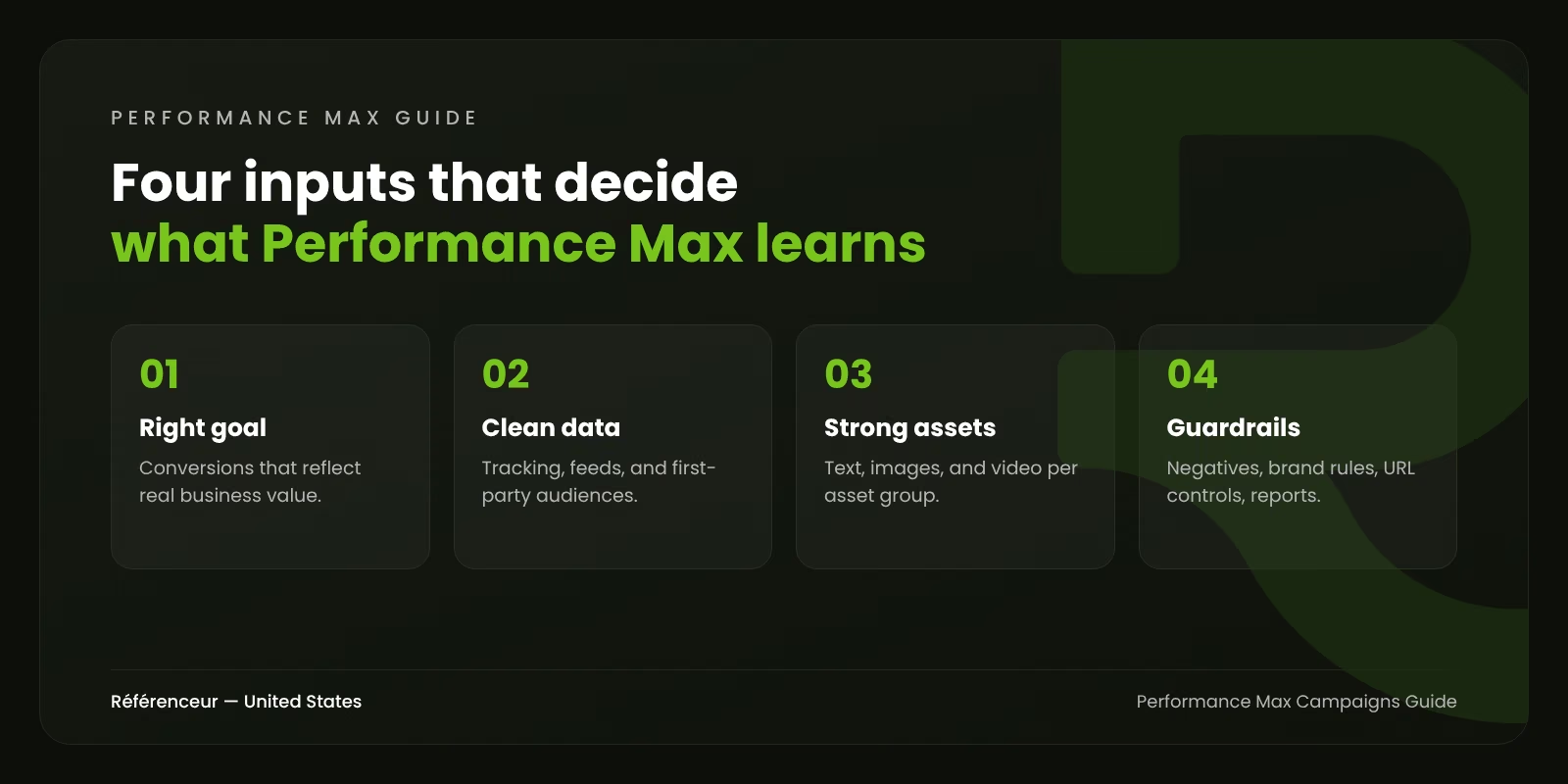
1. Get Conversion Tracking Right First
Performance Max optimizes toward whatever you tell it is a conversion. If a newsletter sign-up counts the same as a purchase, or if every 10-second phone call counts as a lead, the campaign will find more of those cheap actions. Before launching:
- Set only meaningful actions as primary conversions.
- Assign values that reflect business impact, including different values for different products or lead types.
- For lead generation, import qualified leads or sales from your CRM so the system learns what a good lead looks like.
- Use the new-customer acquisition goal if winning new customers matters more than repeat buyers.
2. Build Asset Groups Around Themes
One asset group per product category, service line, or audience theme works better than a single group for everything. Each asset group’s text, images, and landing page should belong together. For retail, use listing groups to separate product sets with different margins or priorities.
3. Supply Real Creative
Upload strong images and at least one real video in horizontal, vertical, and square formats. Auto-generated video tends to look generic and can hurt your brand on YouTube. Write headlines that work alone, since they’ll appear in many combinations.
4. Use PMax Negative Keywords and Brand Exclusions
PMax negative keywords are now available at the campaign level and through shared lists. Start with obviously irrelevant terms: jobs, careers, free, DIY, and competitor names you don’t want to appear for. Add brand exclusions if you want branded searches handled by a dedicated Search campaign, which usually gives cleaner reporting.
5. Control Final URL Expansion
By default, Performance Max can send traffic to other pages on your site it considers more relevant. Sometimes that helps; sometimes it sends paid traffic to blog posts, careers pages, or your login screen. Review the URLs used, exclude unhelpful pages, or turn expansion off if you need tight control.
6. Give It Time and Budget
Automated bidding needs data. Avoid changing targets or budgets drastically every few days. Plan for a learning period, and make sure the daily budget can realistically generate enough conversions for the system to learn.
When Performance Max Is a Good Fit, and When It Isn’t
Usually a good fit:
- Ecommerce stores with a clean Merchant Center feed and accurate purchase tracking.
- Lead generation businesses that import qualified-lead or sales data from a CRM.
- Advertisers with enough conversion volume for automated bidding to learn.
- Brands that can supply quality images and video.
Usually a poor fit, at least at first:
- Accounts with unreliable or inflated conversion tracking.
- B2B companies with very low lead volume and long sales cycles, unless offline conversions are in place.
- Advertisers in sensitive or regulated categories where placements and messaging must be tightly controlled.
- Small budgets that can’t produce enough conversions per month.
When data is limited, the alternatives in Google Ads for niche markets are usually a better starting point. Remarketing in Performance Max also depends on good audience lists, which our Google Ads remarketing lists article explains how to build.
How to Read Performance Max Results Honestly
Performance Max reports conversions it influenced across all channels, which can inflate its apparent contribution. A few checks keep reporting honest:
- Separate brand traffic. Use brand exclusions or review search terms to see how much of the reported performance comes from people already looking for you.
- Check new vs. returning customers. If most conversions come from existing customers, the campaign may not be creating growth.
- Review the channel report. A campaign that spends heavily on Display with few conversions may need asset or audience changes.
- Compare with your back end. Match reported conversions with CRM leads, qualified opportunities, or actual orders.
- Run tests when possible. Google Ads experiments can help measure incremental impact against a control.
Need Help Taming Performance Max?
Performance Max rewards careful setup and punishes shortcuts. Our Google Ads agency team audits tracking, structure, and reporting before scaling budgets. Référenceur, a Google Partner with offices in Belgium and Luxembourg, supports U.S. advertisers remotely. Request a free assessment for a candid review of your Performance Max setup.
Frequently Asked Questions About Performance Max Campaigns
Can I Add Negative Keywords to Performance Max?
Yes. Google now supports negative keywords at the campaign level in Performance Max, along with shared negative keyword lists that can apply to several campaigns. Brand exclusions are also available.
Does Performance Max Replace Search Campaigns?
No. When a search query is identical to a keyword in an eligible Search campaign, Search gets priority. Most well-run accounts keep core keywords in Search and use Performance Max for incremental reach.
How Long Is the Performance Max Learning Period?
It varies with conversion volume and budget. Expect a few weeks before performance stabilizes, and avoid major changes during that time.
Can I See Where My Performance Max Ads Appear?
Increasingly, yes. The channel performance report, search terms report, and placement reports show where ads ran and how each channel performed, with more reporting rolling out in 2026.
Is Performance Max Good for Lead Generation?
It can be, if you feed it qualified-lead data from your CRM. Optimizing only for raw form submissions often brings low-quality leads, because the system learns to find the cheapest form fills.
What’s the Minimum Budget for Performance Max?
Google doesn’t set a practical minimum, but the campaign needs enough budget to generate conversions regularly. If your budget can only produce a handful of conversions a month, a focused Search campaign is usually the better start.