 0498 70 98 60
How to Build a Social Media Content Calendar That Gets Results

Posting on social media “when you have time” rarely works. Competitors publish consistently, algorithms reward regular activity, and without a plan it’s hard to tell what’s paying off. A social media content calendar fixes that: it turns your goals into a schedule of posts, assigns who does what, and gives you a rhythm for reviewing results. Here’s how to build one in five steps.
Quick Summary
| Step | What to do |
|---|---|
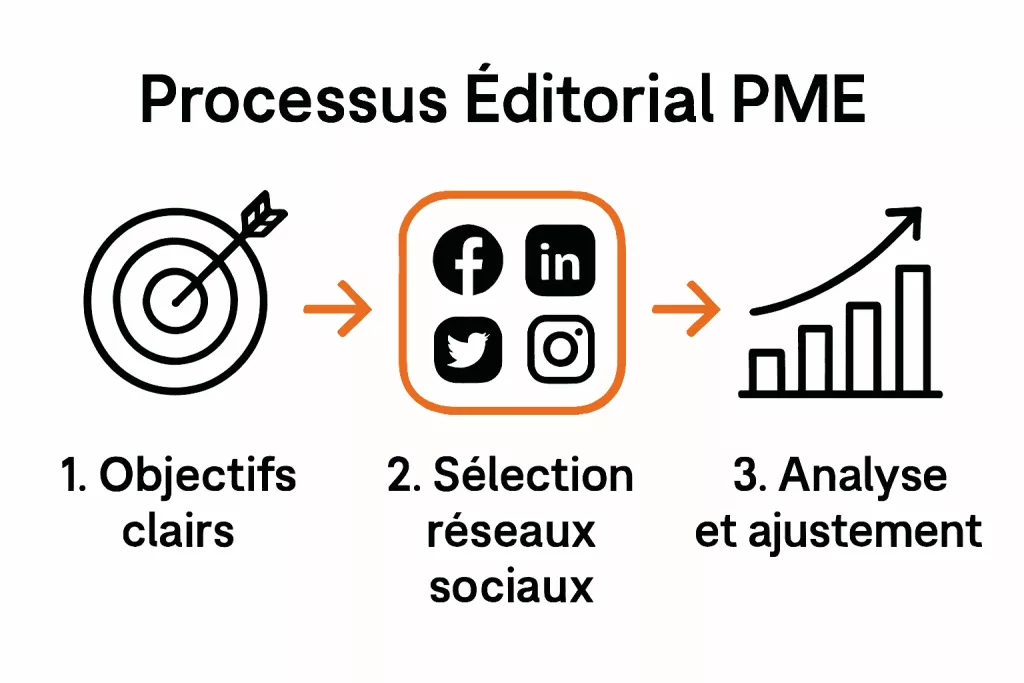
| 1. Set goals and define your audience | Decide what social media should achieve and who you’re talking to |
| 2. Choose your platforms | Focus on two or three platforms where your audience is active |
| 3. Plan themes and formats | Create a content mix and recurring themes for each platform |
| 4. Organize the calendar and the team | Use a shared calendar with owners, deadlines, and approval steps |
| 5. Measure and adjust | Review performance monthly and refine what you post |
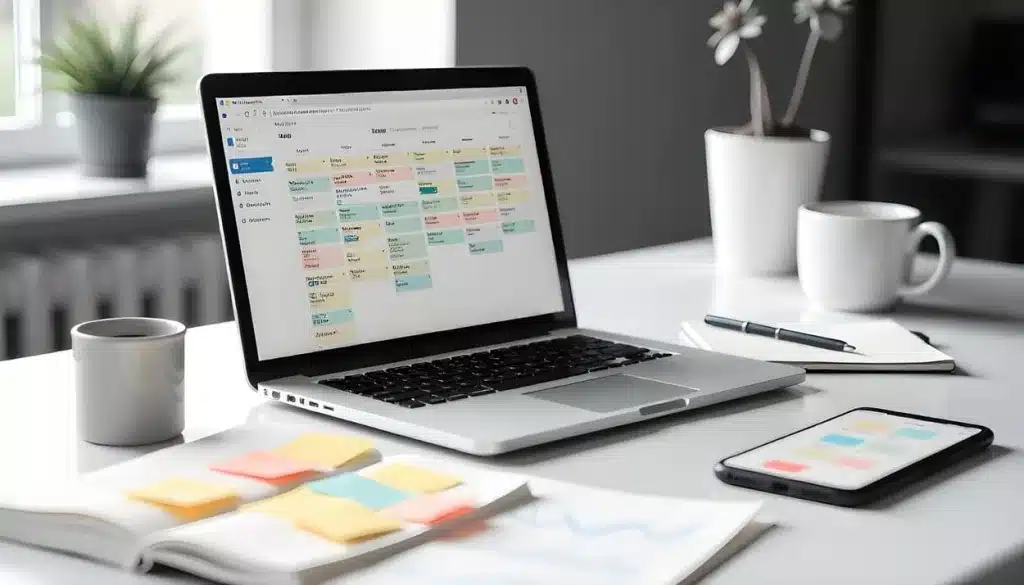
Step 1: Set Your Goals and Define Your Audience
Start with what you want social media to do for your business. Common goals include brand awareness, lead generation, community engagement, customer support, recruiting, and driving traffic to your website or store. Pick one or two primary goals for the next six to 12 months and make them measurable, such as “generate 20 qualified leads per month from LinkedIn.”
Then define who you’re talking to. Build simple personas for your ideal customers: their role or life stage, interests, problems, and the kind of content they consume. Look at the data you already have, including platform insights, GA4, and your CRM, to see who engages with you today.
Step 2: Choose the Right Platforms
You don’t need to be everywhere. A Pew Research Center (2025) survey of U.S. adults found that 84% use YouTube, 71% Facebook, 50% Instagram, and 37% TikTok, but the right mix depends on your audience and goals:
- LinkedIn: B2B, professional services, recruiting, thought leadership
- Facebook: local businesses, community groups, a broad age range
- Instagram: visual products and services, behind-the-scenes, short video
- TikTok: short, entertaining video, especially for younger audiences; its U.S. operations moved to a new joint venture in January 2026, which settled the question of a ban
- YouTube: how-to videos, product demos, long-form content that stays searchable for years
- Pinterest: home, food, fashion, weddings, DIY
- X (formerly Twitter) and Threads: real-time news and conversation
Focus on two or three platforms you can maintain well. Look at where competitors get real engagement, and be honest about your capacity to produce content.
Step 3: Plan Themes and Formats
Create a content mix so your feed isn’t all promotion. A simple framework:
- Educational: tips, how-tos, answers to common questions
- Proof: customer stories, reviews, before-and-after photos, case studies
- Behind the scenes: your team, your process, your workplace
- Promotional: offers, launches, events
- Interactive: polls, questions, user-generated content
Choose four to six recurring themes tied to your business (for example: seasonal tips, project spotlights, team, industry news, FAQs) and rotate them. Adapt formats to each platform: short vertical video for Instagram, TikTok, and YouTube Shorts; carousels and articles for LinkedIn; longer video for YouTube.
Leave room for the unexpected. Trends, news, and customer moments are often your best-performing content.

Step 4: Organize the Calendar and the Team
A spreadsheet or a shared tool works fine; many teams use Google Sheets, Asana, Trello, Notion, or the planners built into HubSpot, Hootsuite, Sprout Social, Buffer, or Meta Business Suite. For each post, include:
- Publish date and time
- Platform and format
- Theme and topic
- Copy, visuals, and link (with UTM tags)
- Owner, status, and approval
Assign clear roles: who writes, who designs, who approves, who publishes, and who responds to comments. Plan at least two to four weeks ahead, and keep about 20% of your slots open for timely content. A short weekly check-in of 30 minutes is usually enough to keep everyone in sync.
Step 5: Measure Results and Adjust
Pick a few metrics that match your goals:
- Awareness: reach, impressions, follower growth
- Engagement: engagement rate, comments, shares, saves
- Traffic and leads: link clicks, website sessions from social, form submissions and sales tracked in GA4
- Community: response time and sentiment
Use each platform’s native analytics plus GA4 for website results. Once a month, compare results with your goals, identify your best and worst posts, and adjust: test new formats, posting times, and topics. Keep a simple log of what you learn so the calendar gets smarter every month.
Frequently Asked Questions
How Far Ahead Should I Plan My Social Media Content Calendar?
Plan themes a quarter ahead and specific posts two to four weeks ahead, with room for timely content.
How Often Should a Small Business Post on Social Media?
Consistency matters more than volume. For most small businesses, a few quality posts per week on each main platform is a sustainable starting point.
What’s the Best Tool for a Social Media Calendar?
Any tool your team will actually use. A shared spreadsheet works; scheduling platforms add approvals, publishing, and reporting.
How Do I Know If My Calendar Is Working?
Track the metrics tied to your goals every month, especially traffic, leads, and sales from social, not just likes.
Need Help With Your Social Media?
If defining your themes, choosing formats, or analyzing results feels like too much on top of running your business, we can help. Our social media marketing team builds calendars, creates content, and reports on results, alongside SEO and paid advertising. Référenceur is a European agency (Belgium and Luxembourg) that works with U.S. businesses remotely, through video calls, shared screens, and monthly reporting. Request a free assessment.